Edit a Zone Name
Editing a Zone Name
-
Zoom to the Zone you want to edit and double-click on it.
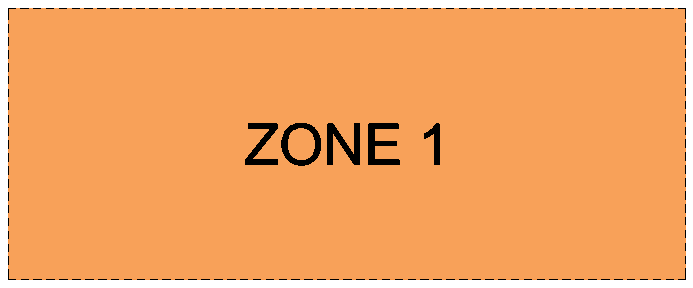
-
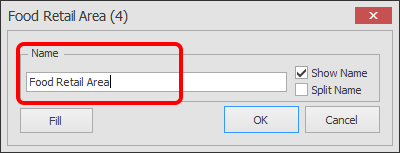
The Zone edit box will now appear as shown below.
Type in the new name for the Zone and click OK.
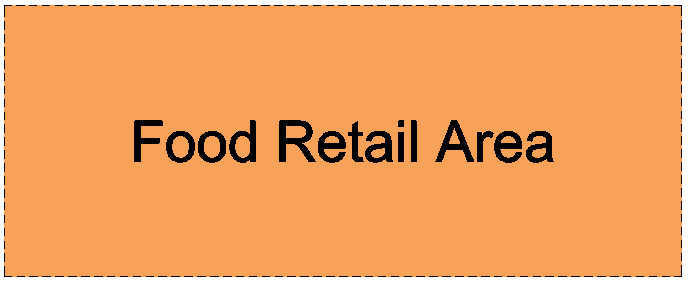
Your Zone name is now updated.
Zoom to the Zone you want to edit and double-click on it.
The Zone edit box will now appear as shown below.
Type in the new name for the Zone and click OK.
Your Zone name is now updated.