Create a Zone from a Polyline
Use this function to convert a Polyline into a Zone.
This is useful if you have drawn / imported a complex shape that you want to convert into a Zone.
For help with creating a polyline, click here.
Creating a Zone from a Polyline
-
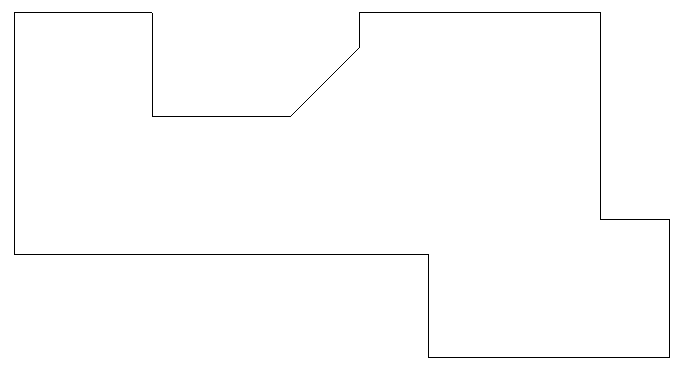
Below is the Polyline we will convert into a Zone.
-
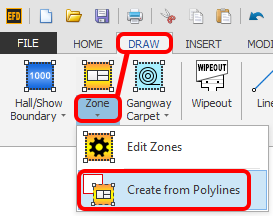
Select the polyline then click on the 'Create from Polylines' option (bottom part of Zone button) which is located on the DRAW ribbon.
-
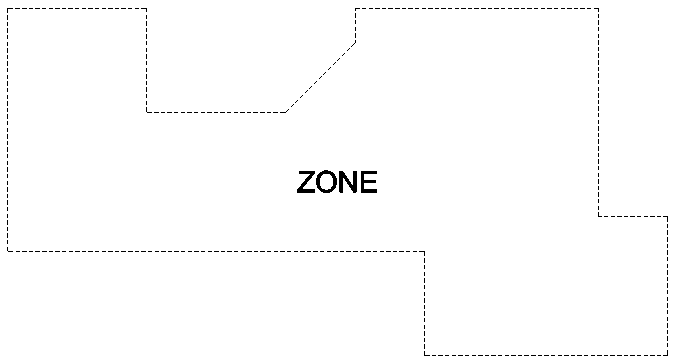
The Zone will now be instantly created as shown below.
You can now edit the zone as required.