There are various ways to open an existing drawing:
-
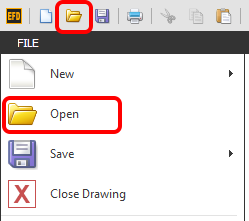
Start the EFD software then go to FILE > Open, or click on the Folder Icon along the top left of the screen as shown below.
TIP: You can also initiate this function by using the default Hot Key ' Ctrl + O '
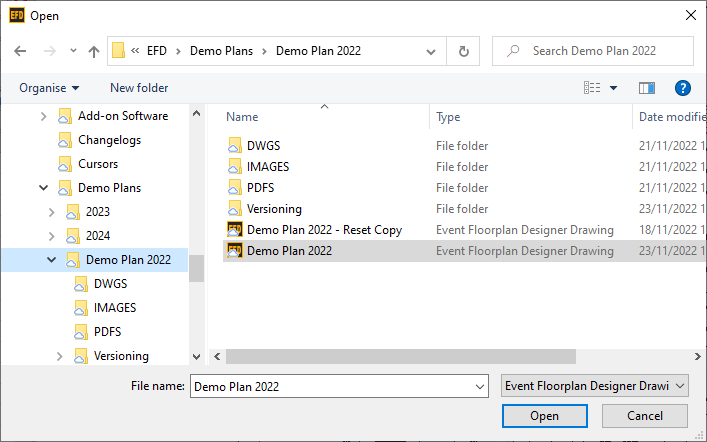
Navigate your folders to find your drawing, then click Open.
-
Double click on the drawing in your File Explorer:

-
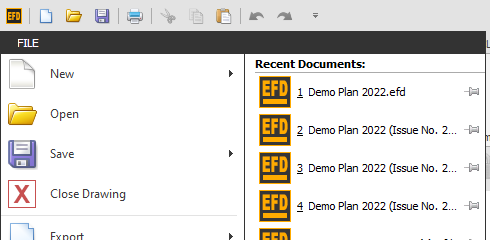
Start the EFD software then use the Recent Documents List by clicking on FILE > then hover you mouse over Open, wait for the Recent Documents to appear then click on the drawing you want to open.
TIP: Hover your mouse over a recent document to see where that file is saved to make sure you are opening the correct file.