The Draw an Ellipse function allows you to draw an ellipse on the floorplan that is not a stand.
Draw an Ellipse
-
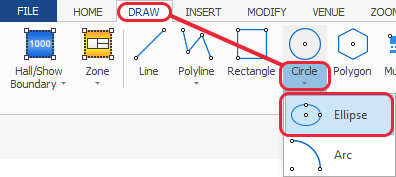
Select the 'Draw Ellipse' option from the Circle button (bottom half of button) from the DRAW ribbon.
-
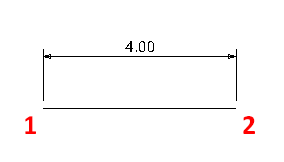
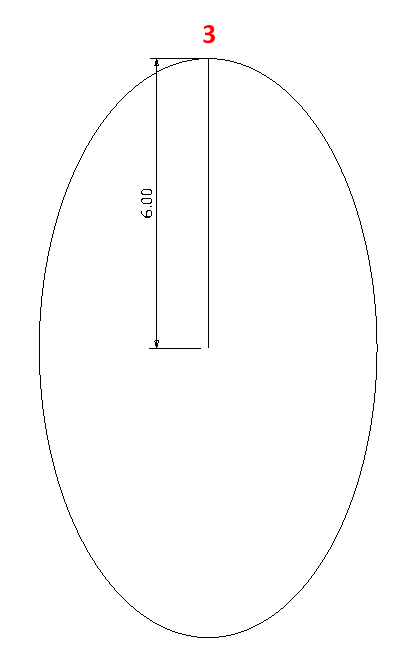
Move the mouse pointer to where you want the centre of the ellipse to be (point 1) and then click, then drag your mouse pointer horizontally to specify the first radius and click (point 2), then drag your mouse pointer vertically to specify the second radius and click (point 3). If you cannot see the ellipse size as you draw your stand, press F8 on your keyboard.