Use this command to draw a single line or series of lines.
Draw a Line
-
Click the 'Draw Line' button which is located on the DRAW ribbon.
TIP: You can also initiate this function by using the default Hot Key ' L '
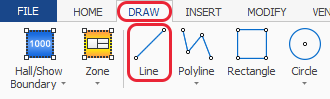
-
Now click on the screen at the point you want to start the first point of your line.

-
Next click where you want the end point of the line to be. The line can be extended in another direction if needed.
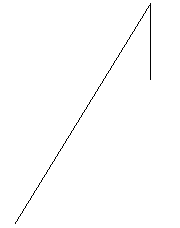
-
To finish drawing your line, press your right hand mouse button or press the ESC (escape) key on your keyboard.