Convert Polylines to Lines

Use this function to convert a Polyine into a Line(s).

Convert a Polyline into a Line(s)

  1. Select the Polyine that you want to convert to a Line as shown below.
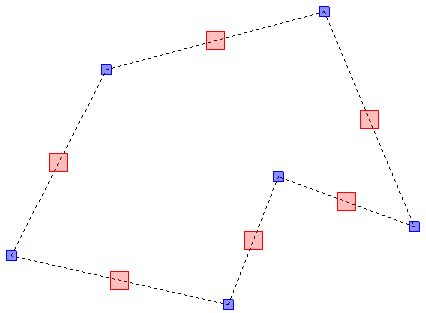
    Screenshot: Select the Polyine that you want to convert to a Line as shown below.
  2. Click the 'Explode' button which is located on the MODIFY ribbon.

    Screenshot: Click the 'Explode' button which is located on the MODIFY ribbon.
  3. Your Polyline will now be converted into a Line.

    If your Polyine was made up of a series of Lines, you will now be able to select each Line separately as shown below.
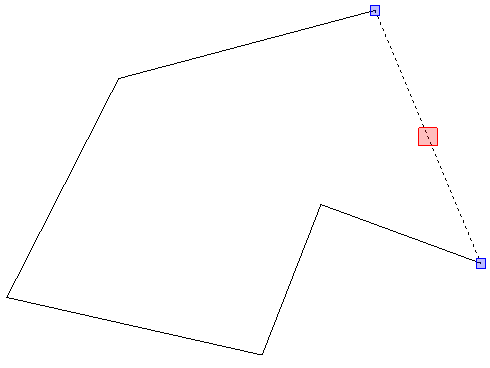
    Screenshot: If your Polyine was made up of a series of Lines, you will now be able to select each Line

Related articles

Lines vs PolylinesConvert Lines to PolylineDraw a LineDraw a PolylineDraw a Filled PolylineAdd Nodes to Polylines