If you haven't created a Border yet, click here for help.
Change the size of a Border
View the quick tutorial video (no sound) and/or follow the instructions below.
-
Select the relevant border by clicking on the border itself or its name in the bottom left.
If you cannot select the Border, please see here.
-
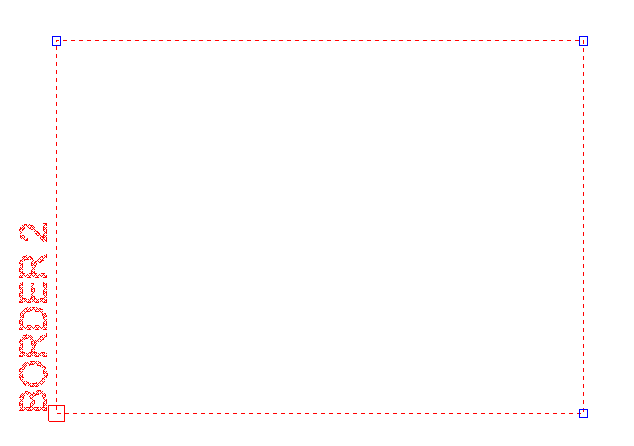
Once selected, you will see a Red node in one corner of the border and 3 Blue nodes in the other corners (see image below).
To re-size the border, select one of the Blue nodes and stretch the border as required.
If your border is a Custom border, you will be able to change the aspect ratio, if it is not a custom border, the aspect ratio will stay the same.