EFD Help
/
Articles
/
View Borders
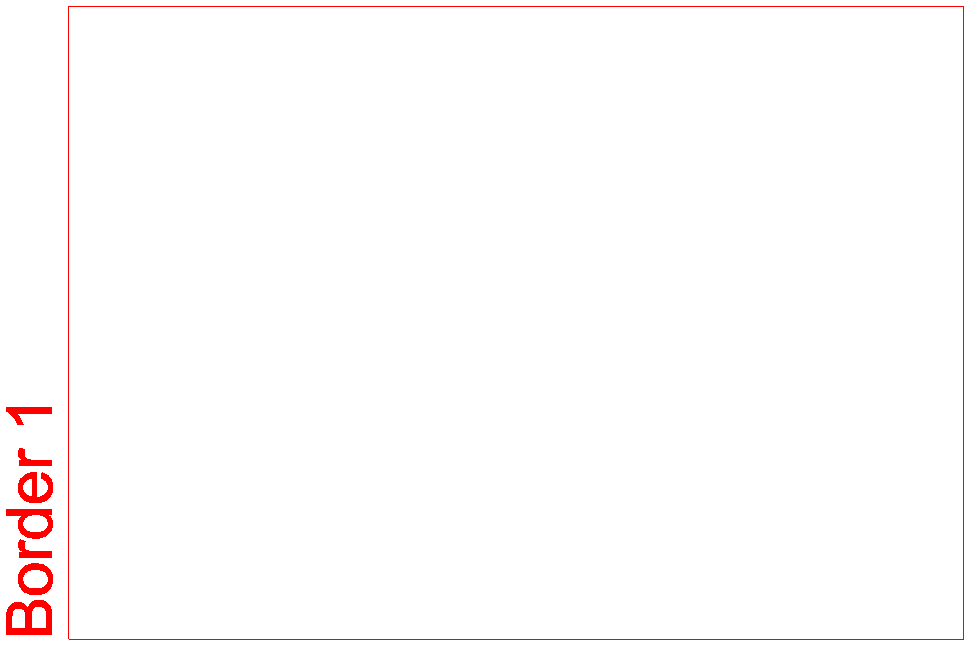
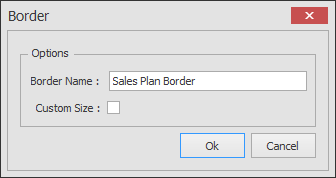
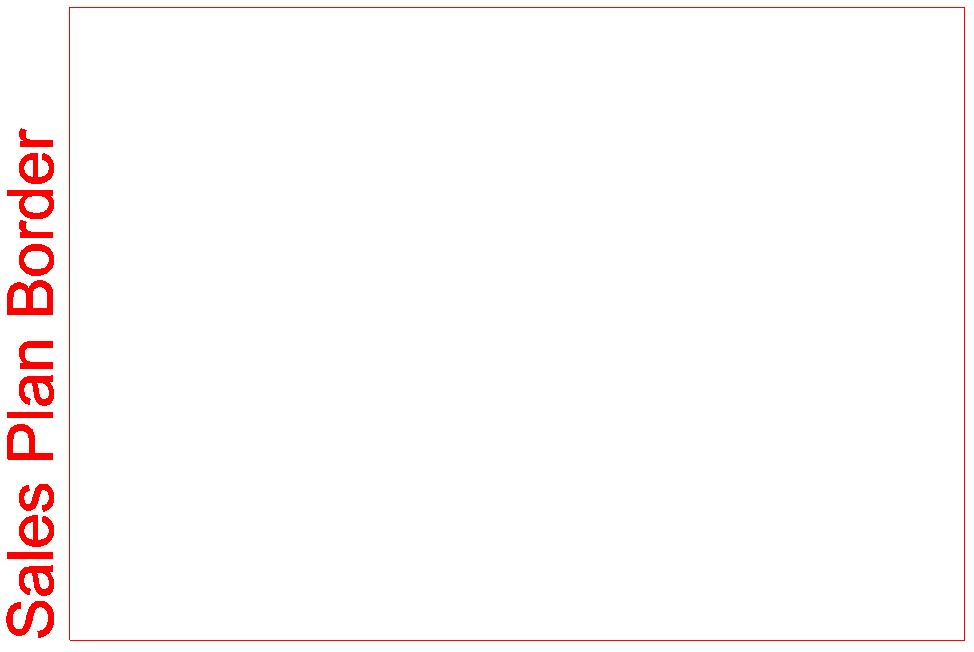
Change the Name of a Border
To change the Name of the Border, double-click on it, change the
Border Name
and then click
OK
.
Related articles
Inserting a View Border
Change the Size of a Border
Change the Orientation of a Border
Delete a Border
close