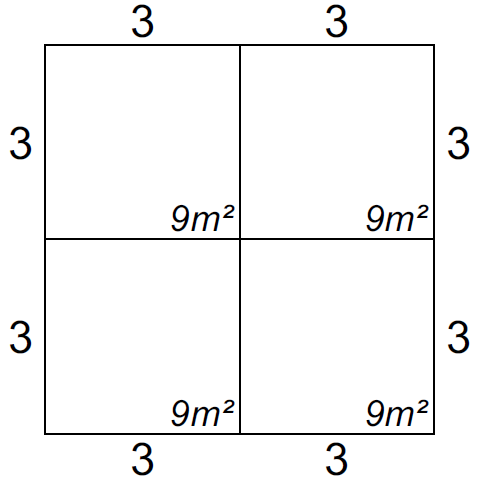
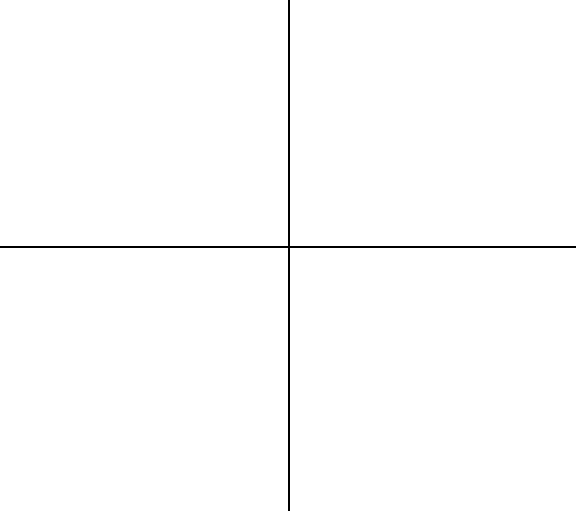
The Tidy Stand Boundaries function can fix two types of problem:
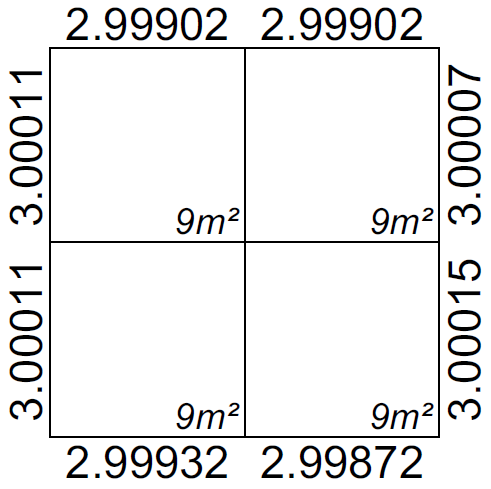
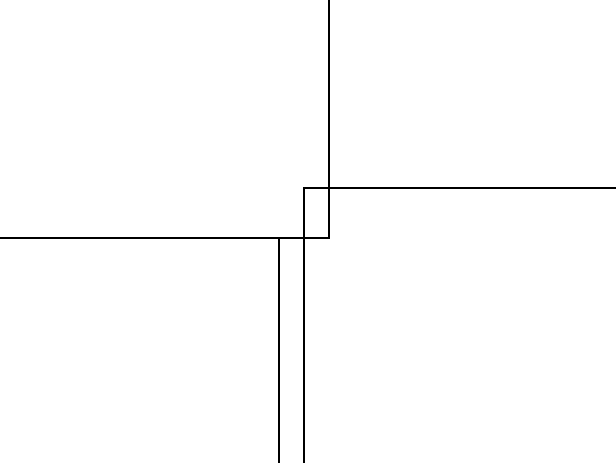
- When stand sizes are not fully accurate - This usually happens when inaccurate stands are imported from another source.When stands are not joined correctly - This can happen by accident while you are moving stands around or when you have imported badly joined stands from another source.
Inaccurate stand sizes
Stands not joined correctly
Tidy Stand Boundaries
IMPORTANT NOTE: This function will not work on stands that are rotated. If you need to fix rotated stands you will need to straighten them first using the rotate function, they can be rotated back after they have been fixed.
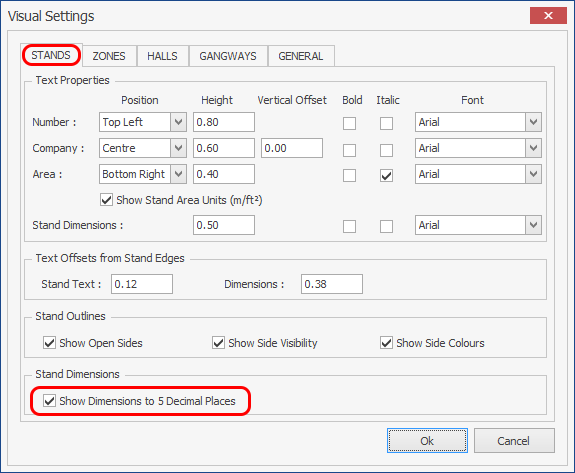
NOTE: To check whether your stands have accurate dimensions you need to turn on 'Show Dimensions to 5 Decimal places' in the Visual Settings > STANDS as shown below.
To check whether there are any stands not joined correctly, run the Inspect Floorplan tool which will then highlight these stands for you.
-
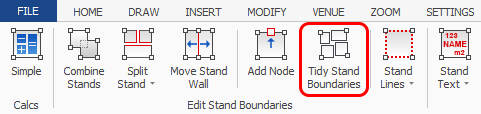
Select the stands that are inaccurate or are not joined correctly then click on the 'Tidy Stand Boundaries' button which is located on the Dynamic ribbon.
NOTE: The Dynamic ribbon will not appear if you have entities other than stands selected, to deselect the other entities and only select stands, press F3. Remember to press F3 again once finished so you can select other entities.
-
Your Stands will now be corrected as shown below.
NOTE: Where stands are not joined correctly, if the gap is larger than 1cm they will not be corrected, they will have to be fixed manually.