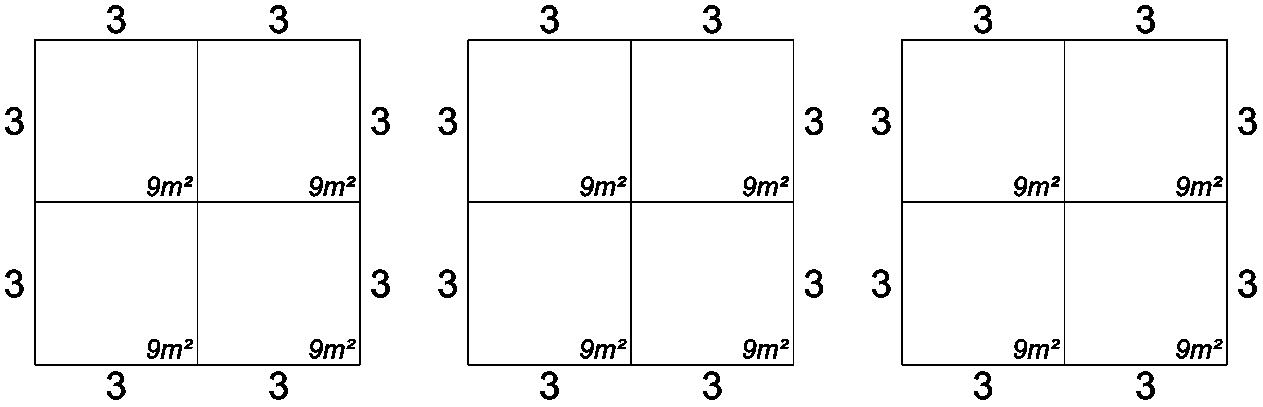
Use this function to reset your stand lines back to the default setting.
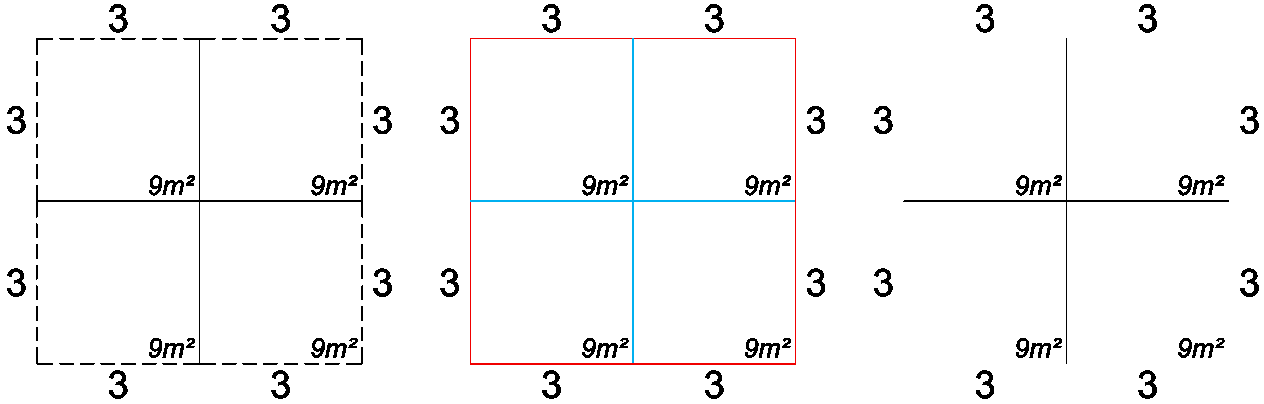
The example below shows the 3 types of stand lines you can reset.
- Open sides
- Colours
- Visibility
Reset Stand Lines
-
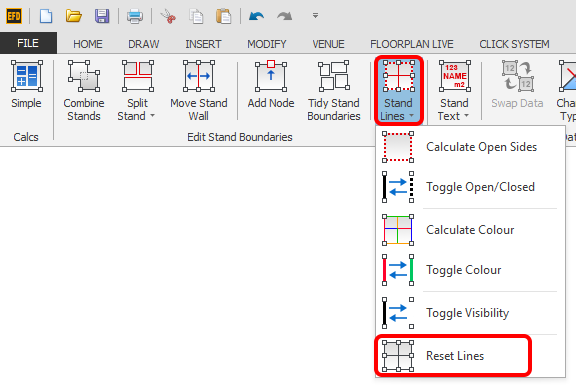
Select the stand(s) you would like to reset then click the 'Reset Lines' button which is located on the Dynamic ribbon.
NOTE: The Dynamic ribbon will not appear if you have entities other than stands selected, to deselect the other entities and only select stands, press F3 twice.
-
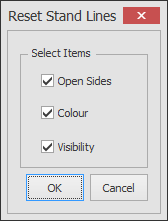
The following dialog will now appear.
Select the stand lines types you would like to reset then click OK.
-
Your stands lines will now be reset as shown below.