How do I download these Symbols?
Click on the blue Download button to download a whole set of symbols. Each set of symbols are contained within a ZIP file so you will need to extract the files before you can use them.
Where do I save these symbols?
The default location of the EFD Symbol Library is - C:\ProgramData\Event Floorplan Designer V5\Symbol Libraries
If you want to change the location of the Symbol Library, you can do that in System Settings.
How do I use these Symbols?
There are 2 ways to insert Symbols into your drawing:
General Symbols
Square Venue Symbols
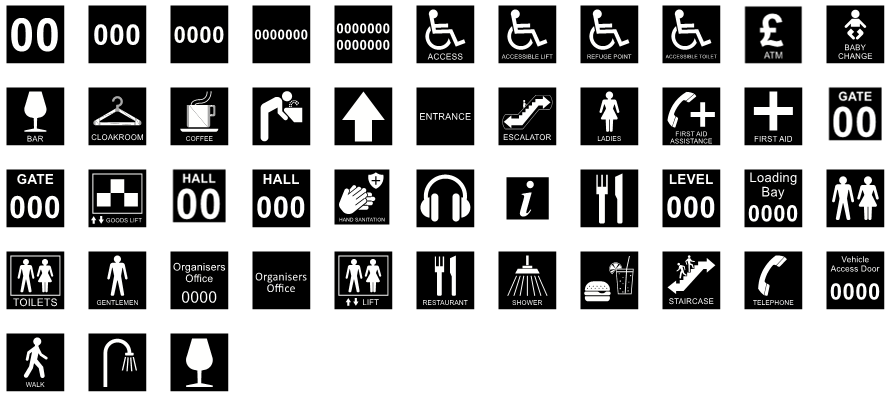
downloadDownload Venue Symbols - Style 1 Square (.zip)
Circular Venue Symbols
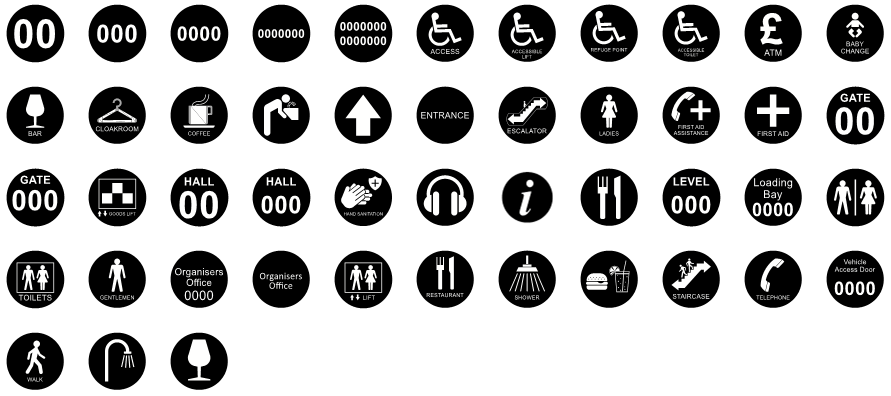
downloadDownload Venue Symbols - Style 1 Circular (.zip)
Arrows - Standard
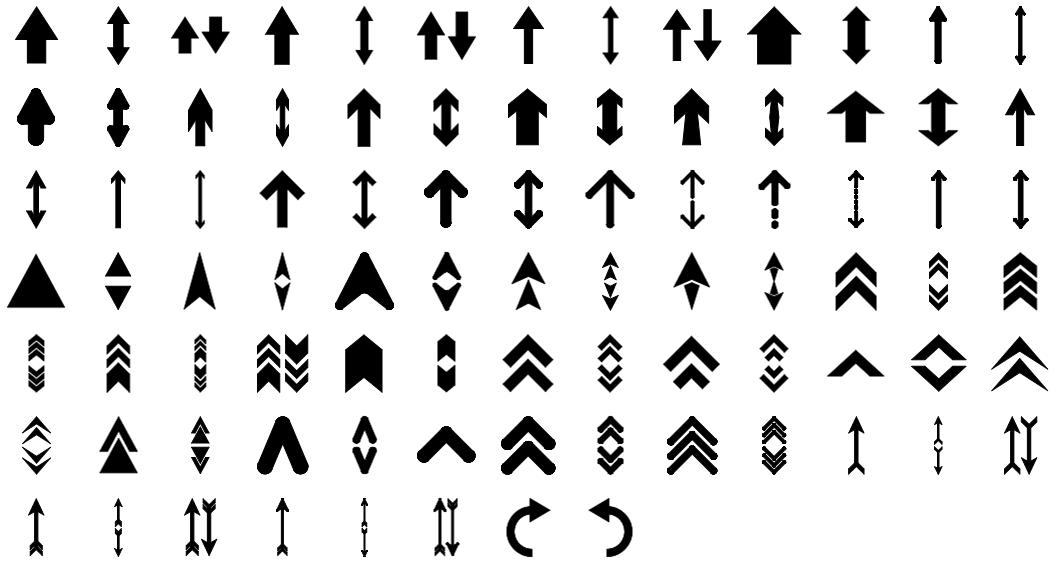
downloadDownload Arrows (.zip)
Arrows - Entrances and Exits
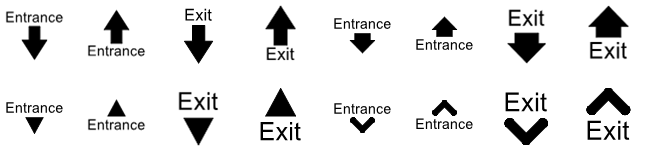
downloadDownload Arrows - Entrances and Exits (.zip)
Stars

Safety
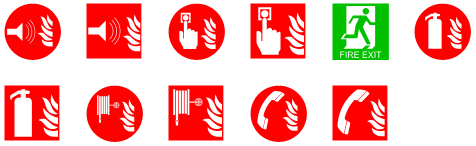
downloadDownload Safety Symbols (.zip)
Services
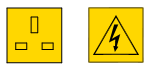
downloadDownload Services (.zip)
Octanorm Components
downloadDownload Octanorm Components (.zip)
This set of Octanorm Symbols contains all of the below:
Individual Components

Complete Full Height Walls

Complete Half Height Walls

Complete Ceilings

Fascias
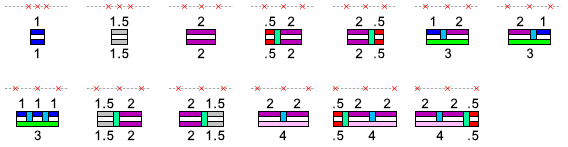
Complete Stands - 2 Sides Open (excluding walls)
1x

Through to....
10x
