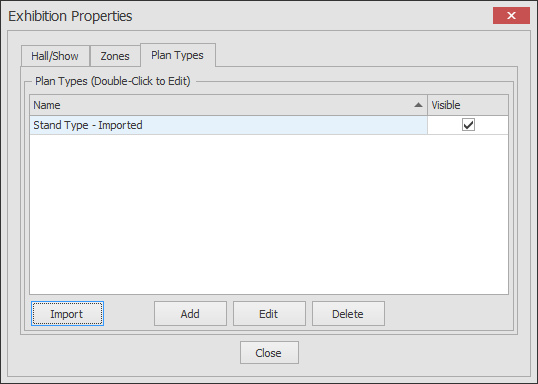
This function allows you to import Plan Types from another floorplan to save you creating them manually.
-
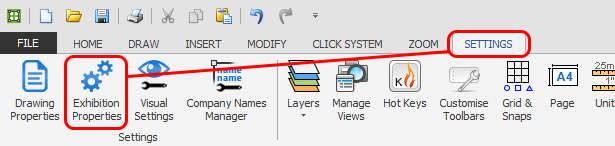
Click the 'Exhibition Properties' button which is located on the SETTINGS ribbon.
-
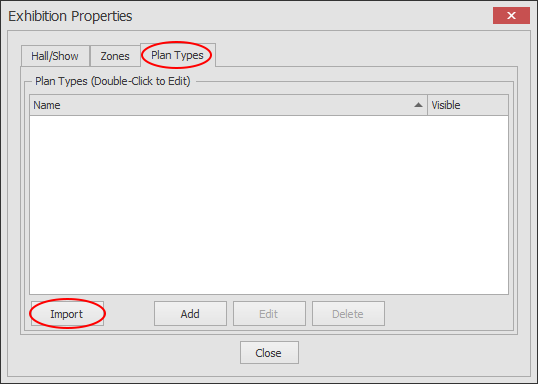
The Exhibition Properties dialog will now appear as shown below. Now click on the Plan Types tab and then the Import button.
-
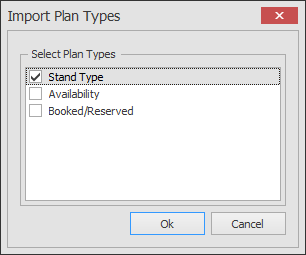
The Import Plan Types dialog will now appear as shown below. Tick the Plan Type you want to import and then click OK.
-
The selected Plan Type along with all of its Stand Types will now be imported as shown below. Re-name the Plan Type if necessary.