Stands - Toggle Nodes

How do I change the corner nodes on my Stands from Blue to Red and vice-versa?

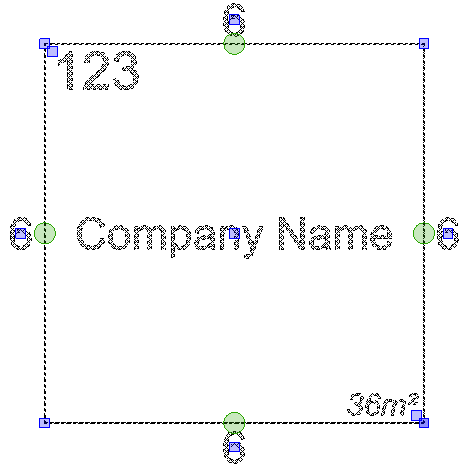
To swap / toggle the corner nodes on Stands between Red and Blue, press SPACE BAR on your keyboard.

Red nodes are used for moving your Stand around.

Blue nodes are used to change the shape of your stand.
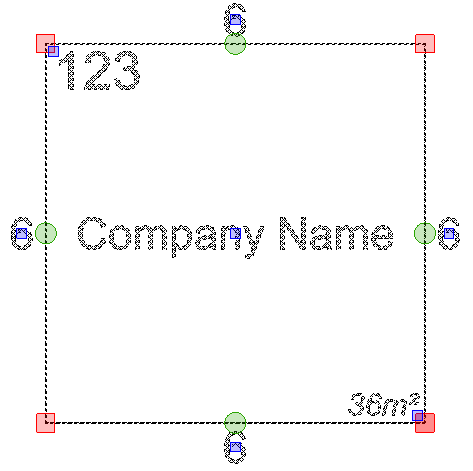
Screenshot: Blue nodes are used to change the shape of your stand.

Related articles

Toggle Stand DimensionsTidy Stand DimensionsStand Text ColoursReset Stand Text Positions and SizeShow/Hide Stand SQMsCompany Names Manager - Import Names