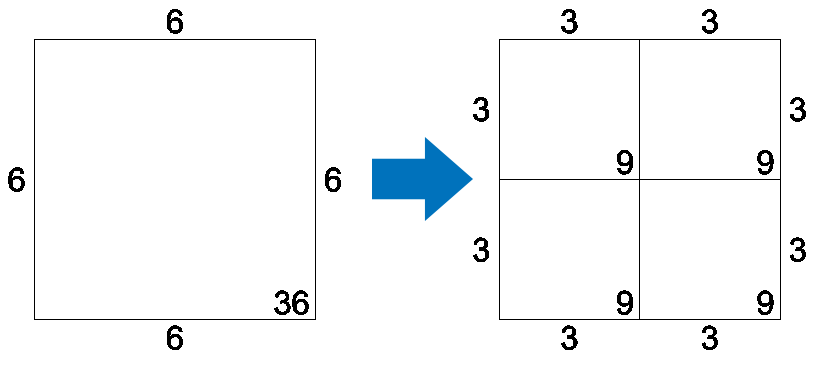
Split a Stand into 4
This function allows you to split one stand into 4 stands very quickly, especially when using a Hot Key. If you want to split your stand into just 2 click here.
Multi split a Stand
-
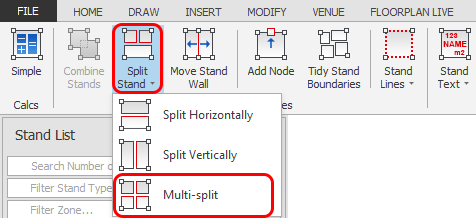
Select the stand you would like to Split into 4 then click the 'Multi-split' button which is located on the Dynamic ribbon.
TIP: You can also initiate this function by using the default Hot Key ' X '
-
Your stand will now be split into 4 as shown below