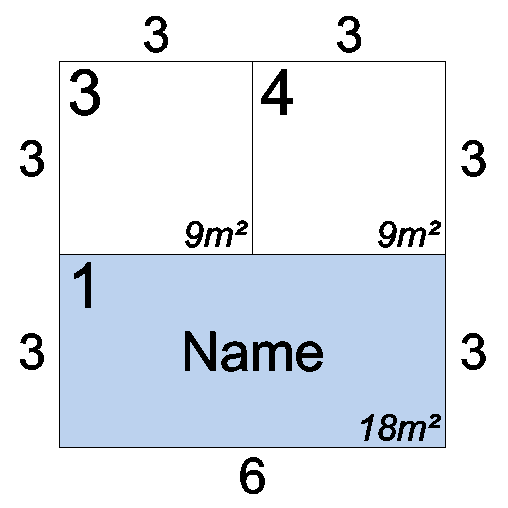
The Combine Stands function is a very quick and easy way of joining adjacent stands together to make one larger stand.
Limitations:
- You cannot combine stands across a gangway, stands must be touching and joined correctly.
- You cannot combine Circular stands
- You cannot combine a block of stands that contains a hole/blanks space in the middle of the block.
- Combing stands with arcs may not produce 100% correct results.
Combining Stands
-
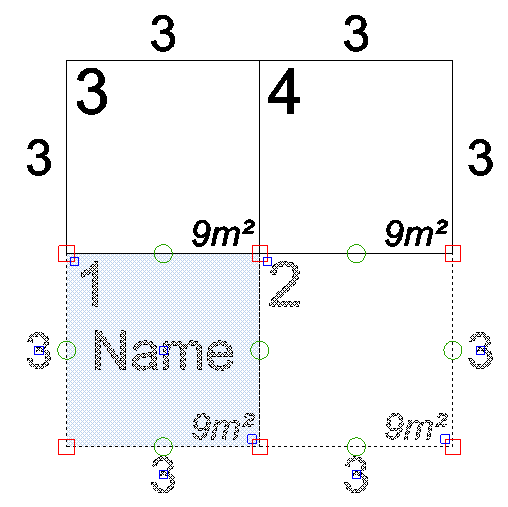
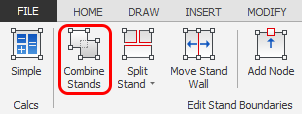
Select the stands you would like to combine then click on the 'Combine Stands' button which is located on the Dynamic ribbon.
TIP: You can also initiate this function by using the default Hot Key ' C '
NOTE: The Dynamic ribbon will not appear if you have entities other than stands selected, to deselect the other entities and only select stands, press F3. Remember to press F3 again once finished so you can select other entities.
In this example I have selected stands 1 and 2
-
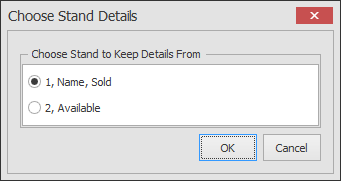
The following dialog box will now appear to let you choose which stand to keep, in this example I want to keep stand 1 that is sold and has a name on it. Once you have made your selection, click OK.
-
The selected stands will now be combined