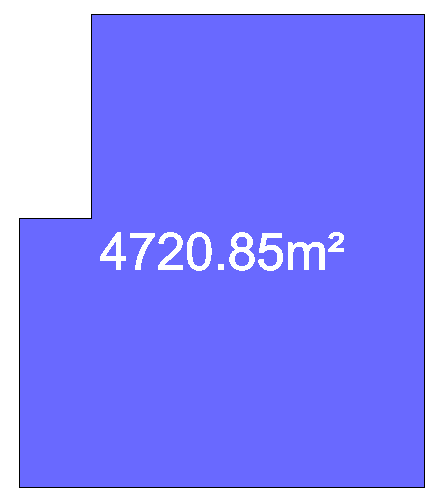
This function is very useful for creating a Gross Area / Hall Boundary from a polyline, such as one imported from a venue drawing.
Creating a Gross Area / Hall Boundary from a Polyline
-
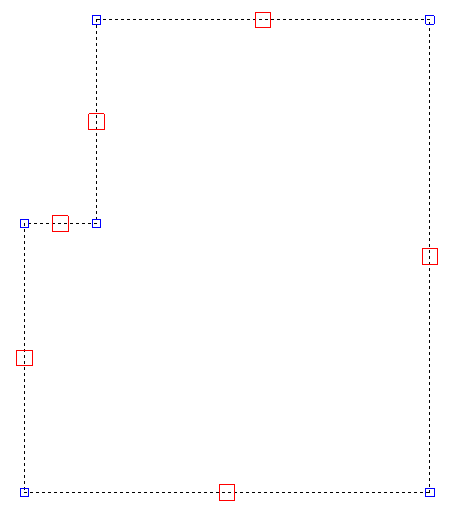
Select the polyline that you would like to convert to a Gross Area / Hall Boundary.
TIP: You can select more than one Polyline at a time if you want to create multiple areas at the same time.
-
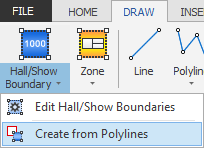
Now click the 'Create from Polylines' button (highlighted in Blue below) which is located on the DRAW ribbon.
-
The polyline will now be converted to a gross area / hall boundary.