You can find your version number in two places:
- The splash screen: it shows as EFD starts up.
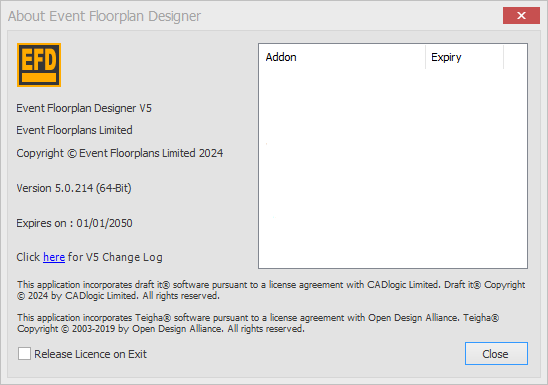
- The About box: click the small blue i icon in the top-right row of icons. The version number is shown there, for example Version 5.0.214 (64-Bit).
NOTE: The version shown in the Windows installed apps list may not be correct, so please check in EFD.