Unable to validate your email address
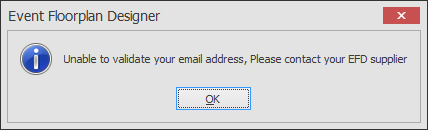
This message means that the email address you have used to authorise the software is not the correct email address or is spelt incorrectly.
-
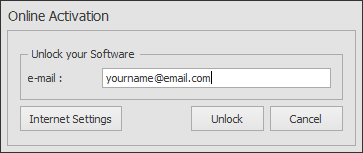
Click OK to the above message box and then retype the email address into the Online Activation dialog box shown below. Note: the email address you type is NOT case sensitive. If you are sure the email address is now correct click Unlock and the software will start.
If you still cannot unlock the software please contact us.