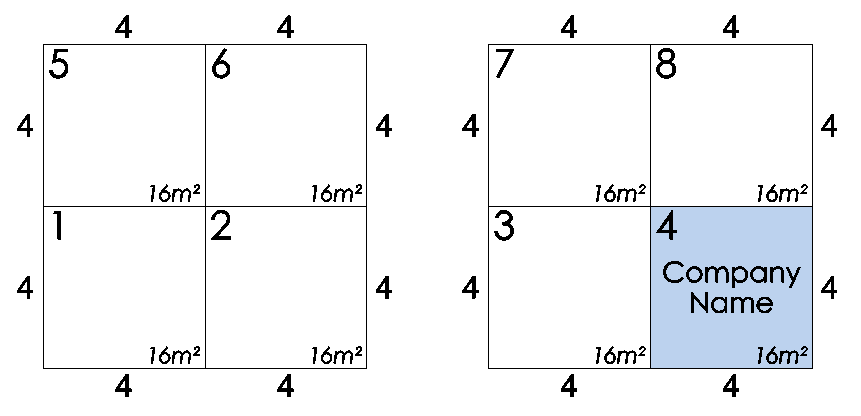
Swap Stand Details
This function allows you to swap stand details such as the company name and stand type from one stand to another very quickly.
Swapping Stand Data
-
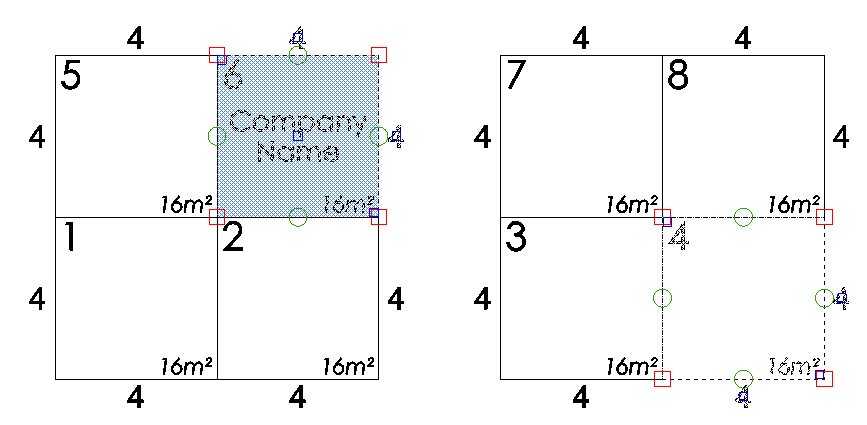
Select the two stands that you would like to Swap the details to/from then click on the 'Swap Data' button which is located on the Dynamic ribbon.
TIP: You can also initiate this function by using the default Hot Key ' S '

In the sample below I am going to swap the details on stand 6 to the Blank stand 4 so I have selected both stands:
-
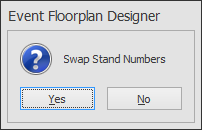
The following message box will appear asking if you want to swap the stand numbers. In this example I will click No.
-
The data will now be swapped between the 2 stands: