Selecting a single Stand
-
Zoom into the stand you would like to select, then just click on it.
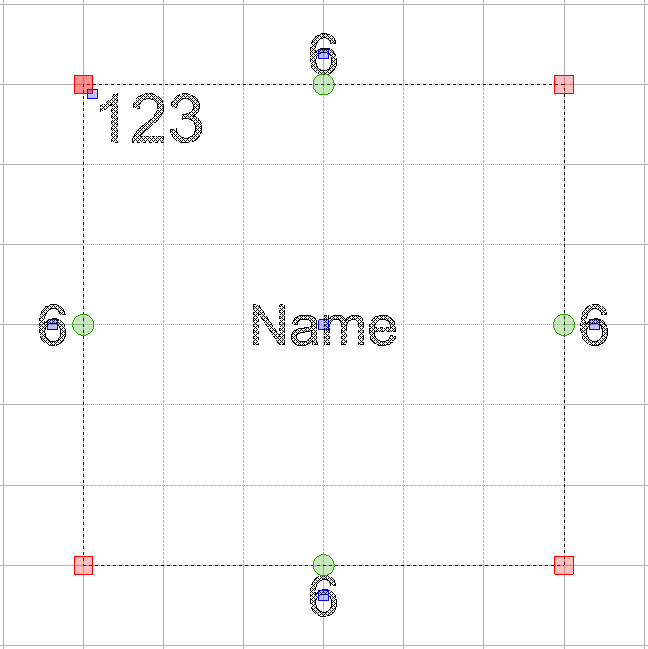
Nodes will appear on the edges, corners and stand text as shown below.
Zoom into the stand you would like to select, then just click on it.
Nodes will appear on the edges, corners and stand text as shown below.